Why Incognito Mode Isn’t Actually Private? The Real Truth
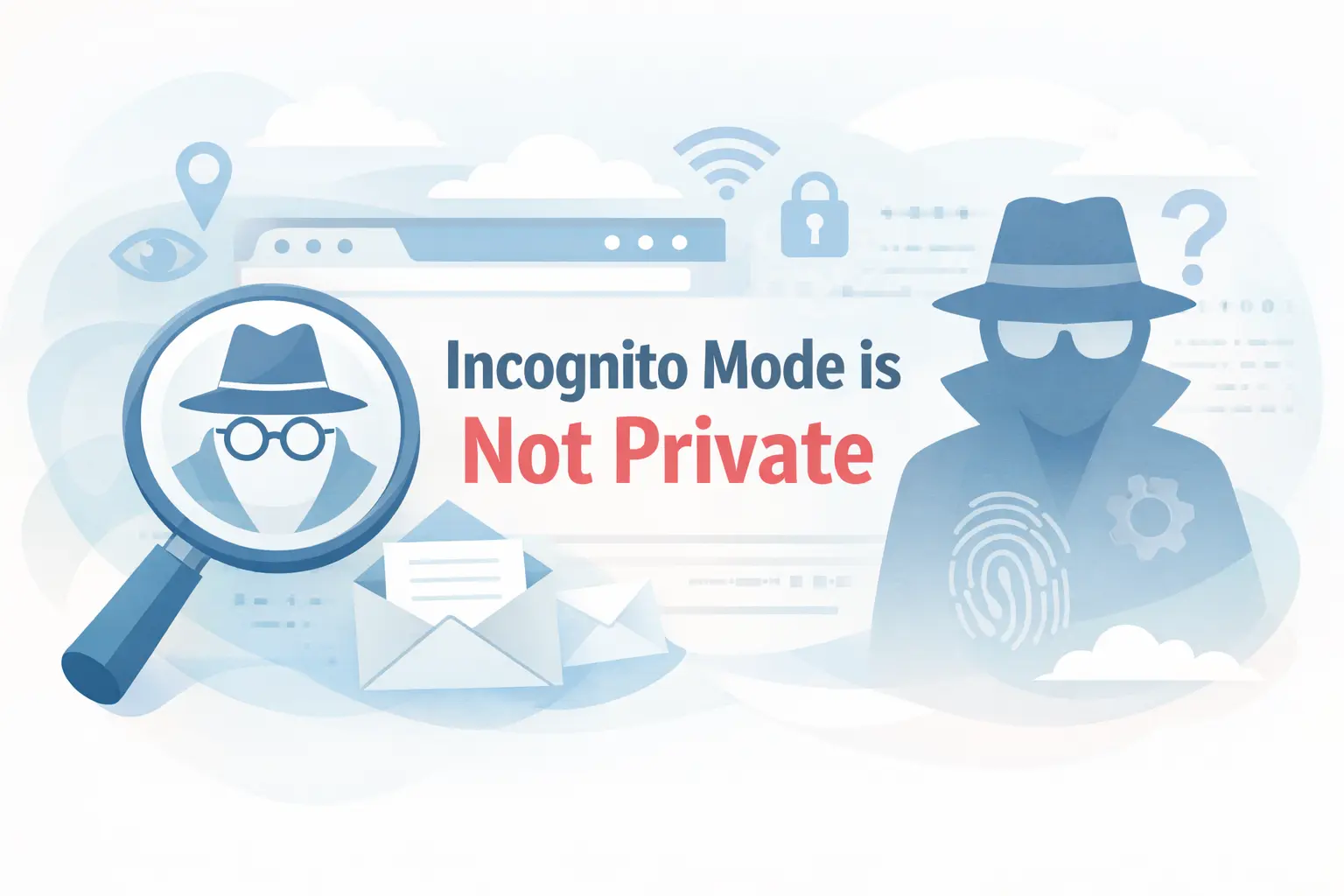
You open a new Incognito tab. You feel safe. Like a ghost on the internet.
But here’s the hard truth: you’re not invisible. Not even close.
Incognito Mode is one of the most misunderstood features on the internet. Millions of people use it, thinking they’re completely hidden. But that’s not what it actually does.
Let’s break it down, plain and simple.
What Does Incognito Mode Actually Do?
When you open an Incognito mode window in Chrome or Private Mode in Safari/Firefox, your browser does three things:
- It doesn’t save your browsing history on your device
- It doesn’t store cookies after you close the window
- It doesn’t remember form data or passwords
That’s it. That’s the whole job.
Your browser is basically cleaning up after itself on your own device. Think of it like this: Incognito mode cleans your bedroom, but it doesn’t stop your neighbors, your landlord, or the government from seeing what you’re doing outside the house.
Who Can Still See What You’re Doing?
This is where most people get surprised.
1. Your Internet Service Provider (ISP) – Your ISP sees every website you visit, Incognito or not. They can see your IP address, the domains you access, and timestamps. In India, ISPs are legally required to store this data.
2. Your Wi-Fi Network Owner – Using office Wi-Fi? College network? Your parents’ router? The network admin can log every site you visit. Incognito doesn’t encrypt your traffic.
3. The Websites You Visit – Every website you open can see your IP address, device type, browser, and location. They know someone visited, they just might not know your name (unless you log in).
4. Google and Other Search Engines – If you search for something on Google in Incognito mode, Google still records that search query tied to your IP address. They just don’t store it in your Google account history.
5. Employers and Schools – If you’re on a managed device or network, IT admins can monitor traffic regardless of Incognito mode. That “private” job search at work? Not so private.
The Big Lawsuit That Proved It
In 2020, Google was sued for a $5 billion lawsuit after users claimed it tracked them even in Incognito mode through analytics and ad scripts embedded on websites.
In 2024, Google settled the case and agreed to delete billions of data records collected from Incognito users.
That lawsuit alone should tell you everything about how “private” Incognito really is.
What Incognito Mode is Actually Useful For
Look, Incognito isn’t useless. It’s just misunderstood.
Here’s where it genuinely helps:
- Shared devices – Browsing on a family computer? Incognito stops your history from showing up for others.
- Multiple accounts – Need to log into two Gmail accounts at once? Incognito helps.
- Avoiding local tracking – Don’t want autocomplete suggestions based on your searches? Use Incognito.
- Price checking – Some travel and shopping sites raise prices based on your cookies. Incognito can help bypass that.
- Gift shopping – Stop targeted ads from spoiling a surprise gift.
What Should You Use If You Actually Want Privacy?
If real privacy is what you need, here’s what actually works:
VPN (Virtual Private Network) A good VPN encrypts your internet traffic and hides your IP address from your ISP and websites. It’s not perfect, but it’s miles ahead of Incognito.
Tor Browser – Routes your traffic through multiple encrypted layers. Slow, but very private. Used by journalists and activists in high-risk situations.
Privacy-Focused Browsers – Brave Browser and Firefox with uBlock Origin block trackers by default, even in regular mode.
Privacy Search Engines – DuckDuckGo and Startpage don’t log your search history at all.
Quick Myth vs. Reality Table
| What People Think | What’s Actually True |
|---|---|
| Incognito hides me from everyone | Only hides from the local device history |
| ISP can’t see my activity | ISP can still see everything |
| Websites don’t know I visited | Websites still see your IP |
| I’m safe from hackers | No extra security from hackers |
| Google can’t track me | Google can still track via scripts |
The Bottom Line
Incognito Mode is a local privacy tool, not an online anonymity tool. It stops your device from remembering what you did, nothing more.
The next time you open that dark-themed Incognito tab thinking you’re a secret agent, just remember, the internet still knows you’re there.
If you need real privacy, use a VPN + a privacy browser. Incognito alone just isn’t enough.
Have questions about online privacy or browser security? Drop them in the comments below.
FAQ: Incognito Mode Is Not Private
Q1: Does Incognito Mode hide your browsing from your ISP?
No. Incognito Mode only stops your browser from saving history on your device. Your Internet Service Provider can still see every website you visit.
Q2: Can Google track you in Incognito Mode?
Yes. Google can still track your searches and activity through analytics and ad scripts embedded on websites, even in Incognito Mode.
Q3: What is Incognito Mode actually good for?
Incognito Mode is useful for shared devices, logging into multiple accounts, avoiding local browser history, and bypassing cookie-based price tracking on shopping sites.
Q4: What should you use for real online privacy?
For real privacy, use a VPN to encrypt your traffic, Tor Browser for anonymity, privacy-focused browsers like Brave, and search engines like DuckDuckGo.

I'm a tech guy at heart, always exploring, always learning. From AI and modern tech to hands-on how-to guides, I write about the things I discover so you don't have to figure it out alone.