You’ve probably heard about AI tools like ChatGPT, image search, or music recommendation apps. But have you ever wondered how AI actually finds the right answer so fast?
A huge part of the answer is something called a vector database.
In this article, I’ll break it down in plain English. No jargon overload. Promise.
- Read: What is AI Hallucination
First, Let’s Talk About Regular Databases
Before we get to vector databases, let’s start with what you already know.
A normal database like the one behind your school’s attendance system or a shopping website stores data in rows and columns, like a giant Excel sheet. You search for it by typing an exact word or number.
For example: “Show me all students named Adam.” The database looks for an exact match and returns the result. Simple, fast, and works great, but only when you know exactly what you’re looking for.
Now imagine asking a computer: “Find me songs that feel like a rainy evening.”
A regular database would just stare at you blankly. It can’t understand feelings or meaning. That’s where vector databases come in.
So, What Is a Vector Database?
A vector database is a special type of database designed to store and search data based on meaning, not exact keywords.
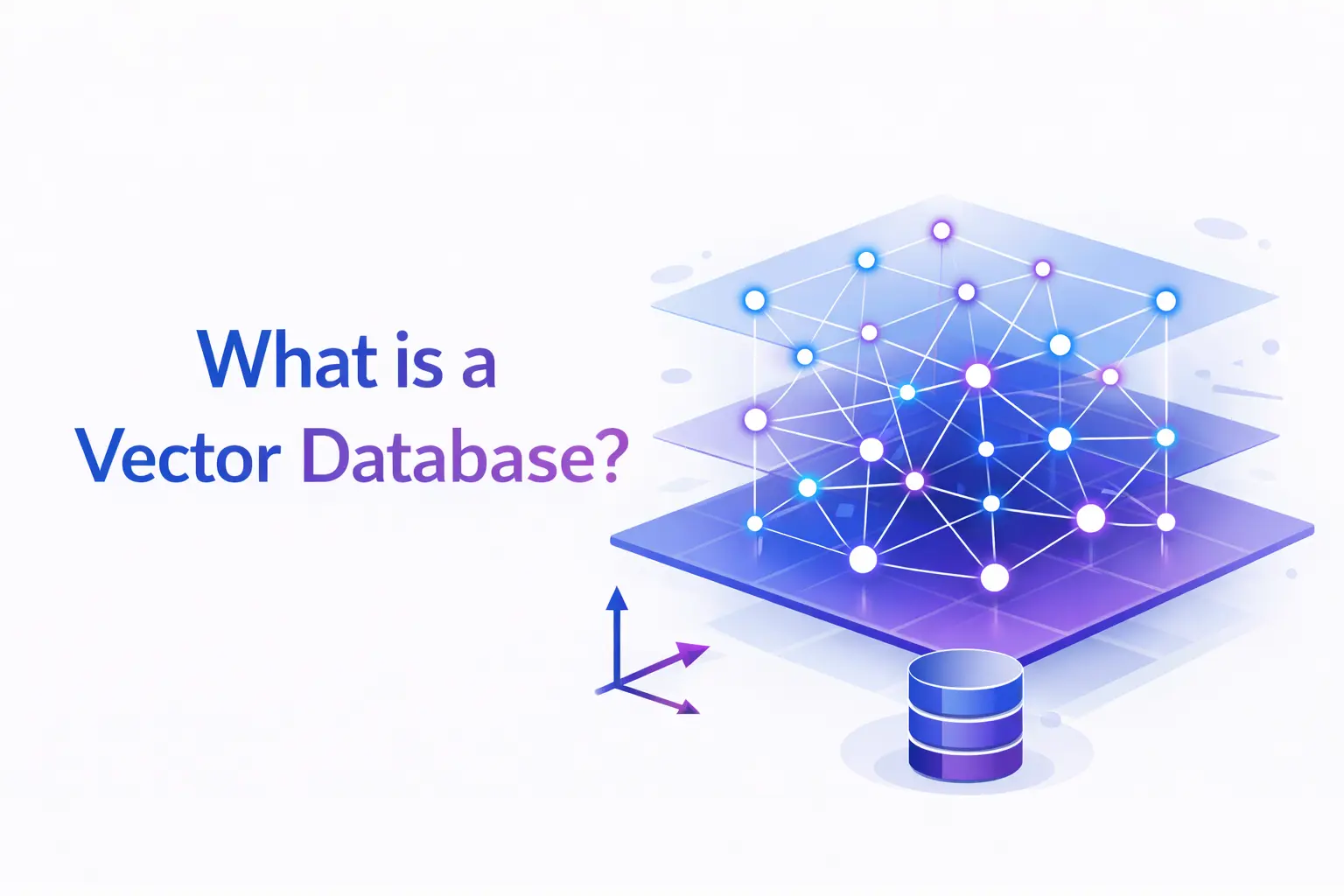
Here’s the key idea: AI converts your data, a sentence, image, audio clip, or video, into a list of numbers called a vector (also called an embedding). These numbers represent the meaning of that data mathematically.
Think of it like this:
If “happy” is at position (5, 8) on a map and “joyful” is at (5.1, 7.9), they’re very close to each other. A vector database finds things that are close in meaning, not just identical in spelling.
A vector database stores these number lists and lets you search through millions of them super fast, finding the closest matches.
A Real-World Example You’ll Get Instantly
Ever noticed how Spotify recommends a song you’ve never heard, and it’s somehow perfect?
That’s vector databases at work. When you listen to a track, Spotify converts its sound features (tempo, mood, instruments) into a vector. Then it finds other songs whose vectors are nearby, meaning similar in sound and feel.
The same thing happens when you type a question into ChatGPT. The system converts your question into a vector, finds the most relevant chunks of information stored in a vector database, and uses that to give you a smart answer.
How Is It Different From a Normal Database?
| Feature | Regular Database | Vector Database |
|---|---|---|
| Search type | Exact match | Similarity match |
| Best for | Structured data (names, dates, numbers) | Unstructured data (text, images, audio) |
| Example query | “Find order #1024.” | “Find products similar to this image.” |
| Used by | Excel, MySQL, spreadsheets | AI apps, ChatGPT, recommendation engines |
What Are Vectors and Embeddings? (Don’t Skip This)
Okay, let’s make this crystal clear.
An embedding is what you get when an AI model reads your data and converts it into numbers. Those numbers are the vector.
Here’s a silly-but-useful example:
- “Dog” → [0.2, 0.8, 0.1, …]
- “Cat” → [0.21, 0.79, 0.12, …]
- “Car” → [0.9, 0.6, 0.95, …]
Notice how Dog and Cat have similar numbers (they’re both animals), while Car is way different. A vector database uses this to understand that “dog” and “cat” are related, without you ever telling it that.
Where Are Vector Databases Actually Used?
This technology is everywhere right now. Here are some real examples:
1. AI Chatbots (like ChatGPT) – When you build a custom AI assistant for your company, it uses a vector database to store your documents. When you ask a question, it searches for the most relevant passages and gives you a grounded answer.
2. Image Search – Google Lens lets you search using a photo. It converts your image into a vector and finds visually similar images, no text needed.
3. E-commerce Recommendations The “Customers also bought…” section uses vector similarity to show you products related to what you’re viewing.
4. Fraud Detection – Banks convert transaction patterns into vectors. If a new transaction looks too similar to known fraud patterns, it gets flagged automatically.
5. Medical Research – Researchers use vector databases to find medical papers with similar findings, even if they use completely different words.
Popular Vector Databases You Should Know
If you’re getting into AI development, these names will come up often:
- Pinecone – Fully managed, very popular for AI apps
- Weaviate – Open source, great for semantic search
- Chroma – Lightweight, perfect for beginners
- Milvus – High-performance, built for scale
- Qdrant – Fast and developer-friendly
- pgvector – A plugin that adds vector search to PostgreSQL
Each has its own strengths. For most beginner AI projects, Chroma or Pinecone are good starting points.
Why Are Vector Databases Suddenly So Popular?
Two words: Generative AI.
After ChatGPT exploded in 2023, companies everywhere began building AI-powered apps, chatbots, smart search tools, and document analyzers. All of these need a way to store and retrieve knowledge efficiently.
Vector databases are the backbone of a technique called RAG (Retrieval-Augmented Generation), where the AI retrieves relevant information from a database before generating an answer. This makes AI smarter, more accurate, and far less likely to make things up.
Simply, without vector databases, most modern AI apps wouldn’t work as well.
Any Downsides?
Yes, nothing’s perfect.
- Cost – Managed vector databases like Pinecone can get expensive at scale.
- Complexity – Setting one up requires some understanding of AI embeddings.
- Approximate results – Similarity search isn’t always 100% precise. It’s “close enough” by design.
- Not great for structured queries – If you need to “find user with ID 5,” a normal SQL database is better.
The best systems often combine both types: a regular database for structured data and a vector database for semantic search.
Quick Recap
Let’s bring it all together:
- A vector database stores data as numbers (vectors) that represent meaning
- It searches by similarity, not exact keywords
- It powers AI features like ChatGPT, image search, and recommendations
- Popular options include Pinecone, Weaviate, Chroma, and Milvus
- It’s the backbone of modern AI apps through a technique called RAG
Final Thoughts
Vector databases might sound like a deep technical concept, but at their core, they’re solving a very human problem: understanding meaning, not just matching words.
As AI continues to grow, understanding what powers it under the hood gives you a real edge, whether you’re a developer, a content creator, or just someone who loves knowing how things work.
If you found this helpful, share it with someone who’s just getting into AI. And if you have questions, drop them in the comments below.
FAQ: What Is a Vector Database?
Q1. What is a vector database in simple words?
A vector database is a special database that stores data as numbers (called “vectors”) and searches based on meaning and similarity, not exact keywords. It helps AI understand context, not just text.
Q2. What is the difference between a vector database and a normal database?
A normal database searches for exact matches (like finding a name or ID). A vector database finds similar results, for example, finding images that look alike or sentences that mean the same thing.
Q3. Why do AI tools like ChatGPT use vector databases?
ChatGPT and similar AI tools use vector databases to store and quickly retrieve relevant information. This helps the AI give accurate, context-aware answers instead of making things up.
Q4. Is a vector database hard to use?
For beginners, tools like Chroma make it fairly easy to get started. More advanced options like Pinecone or Milvus need a bit of technical knowledge, but there are plenty of tutorials available.
Q5. What are some popular vector databases?
Some widely used vector databases are Pinecone, Weaviate, Chroma, Milvus, Qdrant, and pgvector.
Q6. Is a vector database free?
Some are free and open source (like Chroma, Weaviate, and Milvus). Others, like Pinecone, have a free tier but charge at scale.
Q7. Where are vector databases used in real life?
They power AI chatbots, image search, music recommendations, fraud detection, e-commerce product suggestions, and medical research tools.

I'm a tech guy at heart, always exploring, always learning. From AI and modern tech to hands-on how-to guides, I write about the things I discover so you don't have to figure it out alone.