What Is Smart DNS? The Simple Trick That Unlocks Global Streaming (Without Slowing You Down)
You’ve probably seen it: you try to watch a show, and instead of the video, you get a message like “This content isn’t available in your region.” Annoying, right?
A lot of people reach for a VPN to fix this. But there’s a lighter, faster tool built for exactly this job, and most people have never heard of it. It’s called Smart DNS.
Let’s break down what it actually is, how it works, and whether it’s the right fix for you.
What Is Smart DNS, Really?
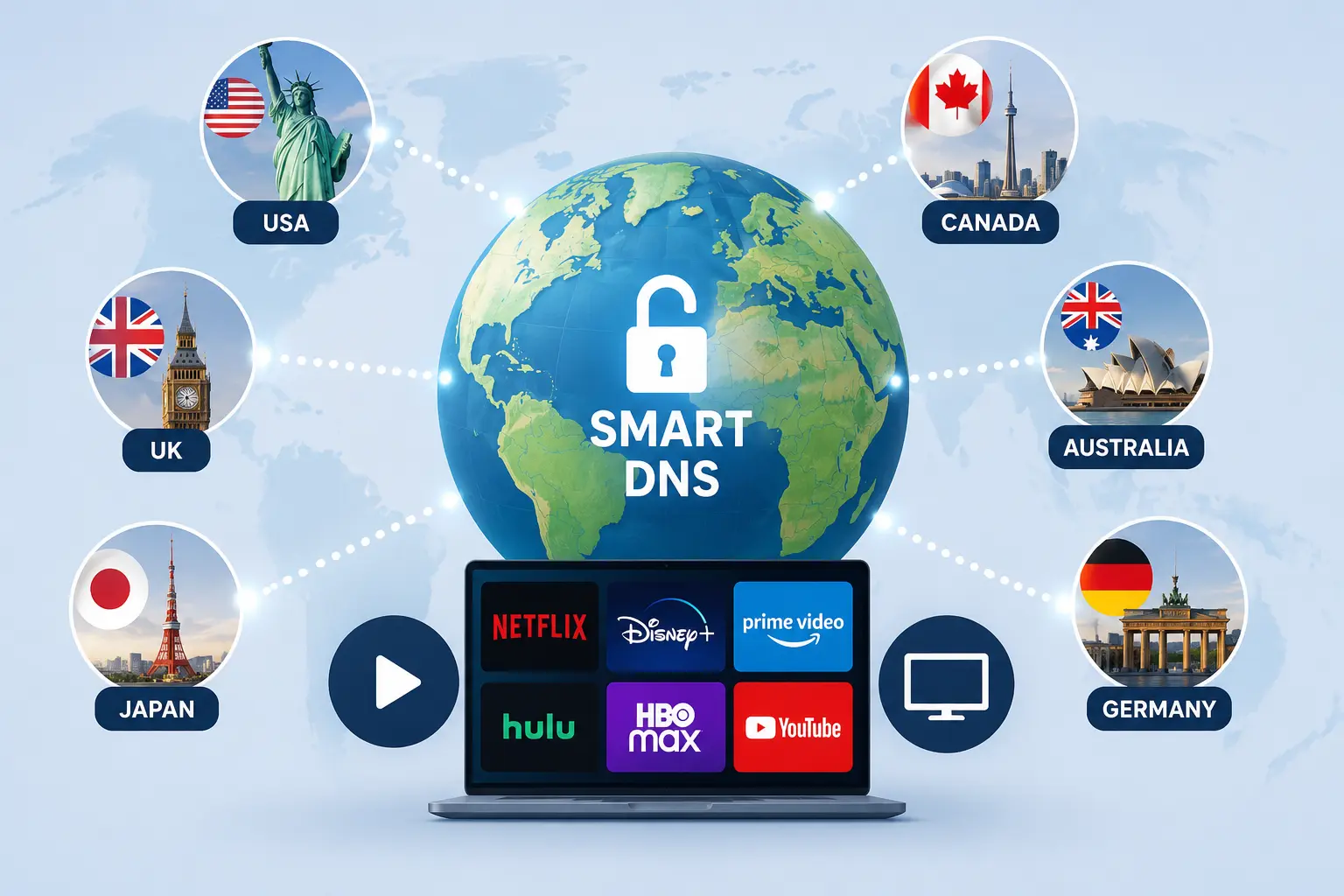
Smart DNS is a service that changes how your device looks up websites and streaming apps, so it looks like you’re browsing from a different country without touching or encrypting your actual internet traffic.
Here’s the easy way to think about it: every time you open a website or app, your device asks a “phone book” (called DNS, or Domain Name System) to translate that name into an address computers understand. Smart DNS quietly reroutes just that lookup step through a server in another country. The streaming service sees a “local” address and unlocks its content, but your actual video, files, and data still travel your normal internet path, at your normal speed.
That’s the whole trick. No encryption. No rerouting your entire connection. Just a clever redirect at the lookup stage.
How Is Smart DNS Different From a VPN?
This is the question everyone actually wants answered, so let’s make it simple.
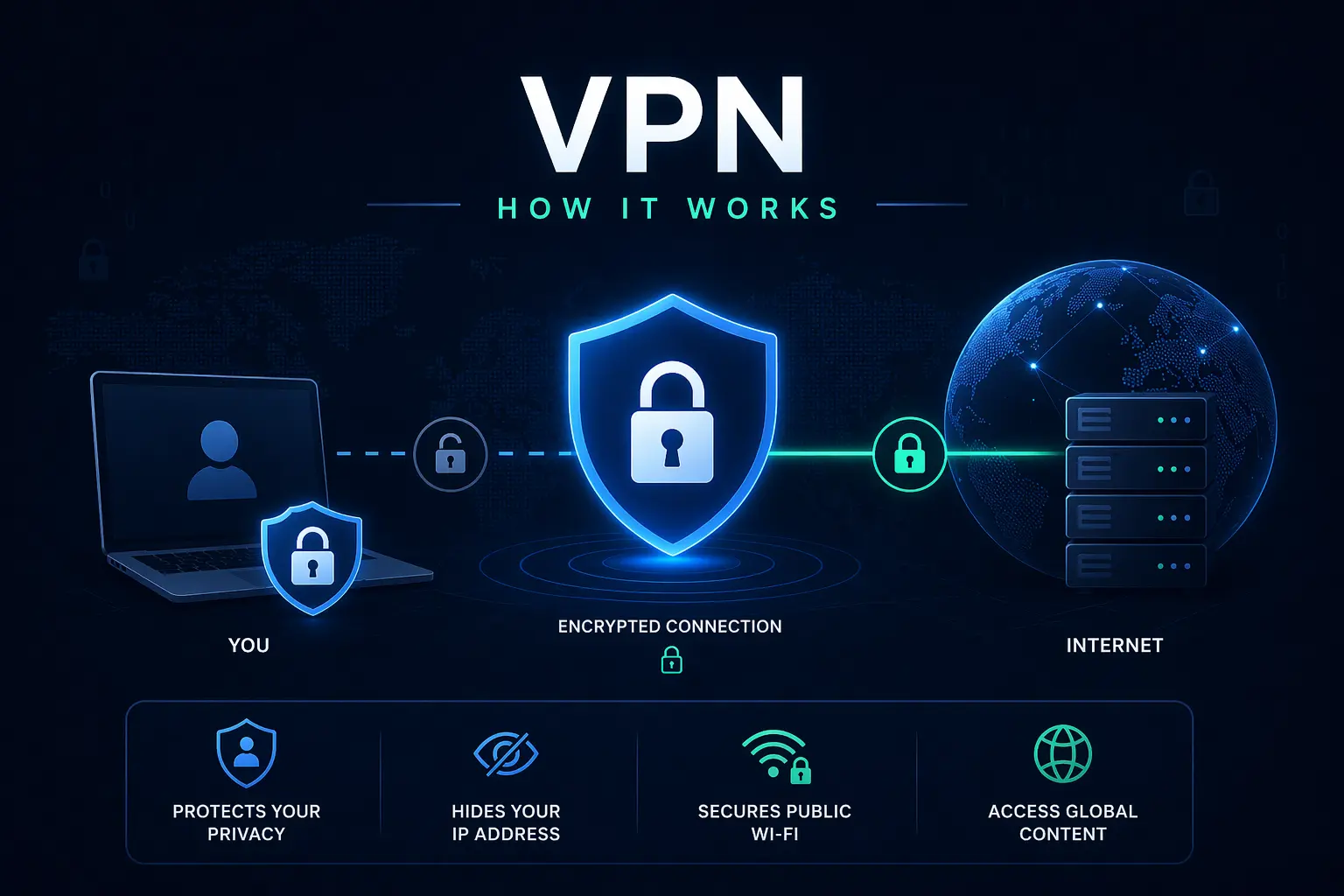
A VPN wraps your entire internet connection in an encrypted tunnel and sends it through a faraway server. That’s great for privacy, but encryption takes work, and routing everything through a distant server adds delay. Streaming in HD or 4K over a VPN can sometimes buffer or lag because of that overhead.
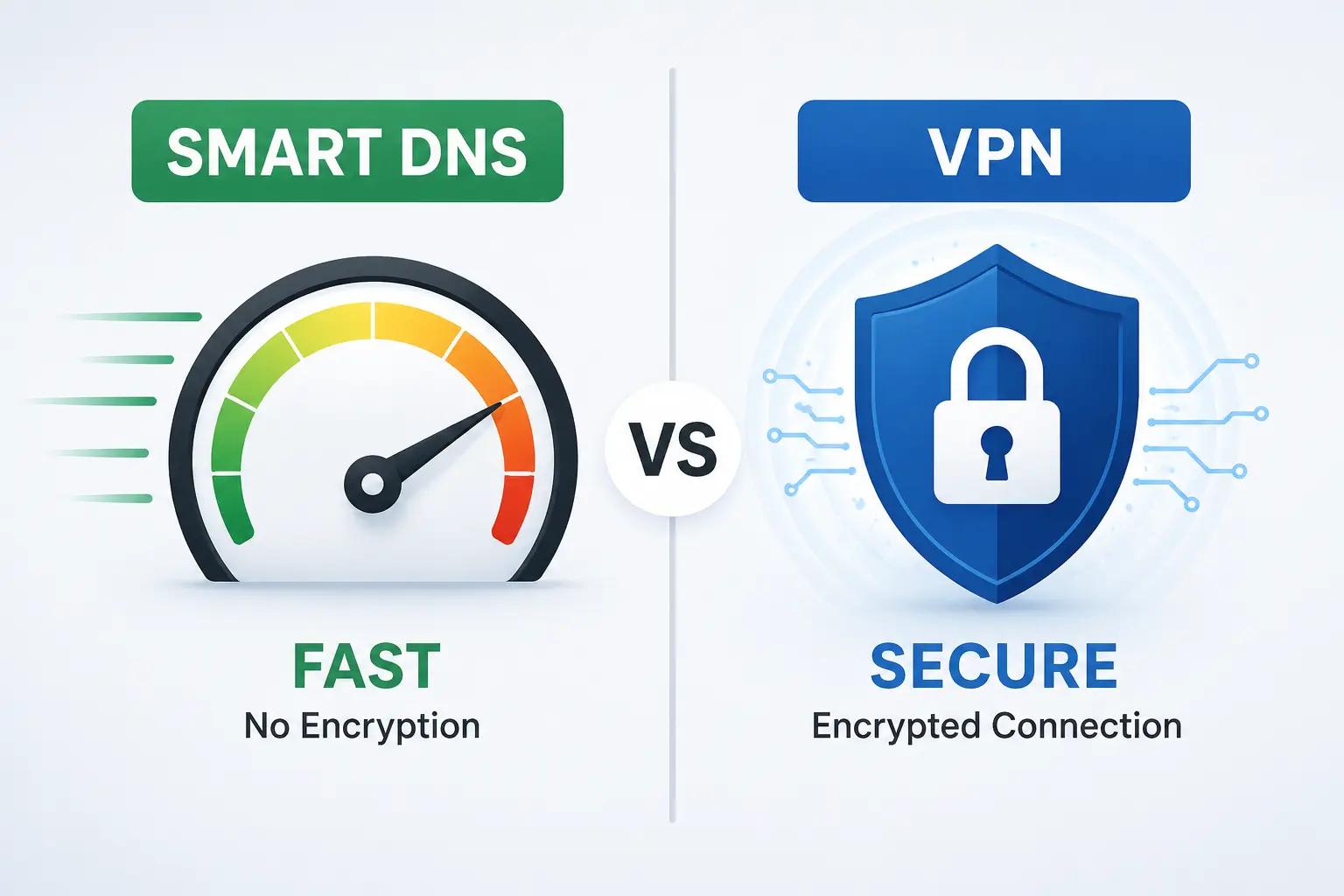
Smart DNS skips the encryption entirely. It only redirects the small piece of traffic needed to fool a streaming service’s location check. Everything else your actual show, your download speed, your ping in an online game travels normally.
Here’s a quick side-by-side:
| Feature | Smart DNS | VPN |
|---|---|---|
| Hides your real location for apps | Yes | Yes |
| Encrypts your traffic | No | Yes |
| Speed impact | Minimal | Can be noticeable |
| Works on smart TVs, consoles, routers | Yes, easily | Sometimes limited |
| Protects privacy on public Wi-Fi | No | Yes |
| Setup | Change DNS settings once | Install an app |
🏆 The takeaway: Smart DNS is built for unlocking content fast. A VPN is built for privacy and security. They solve different problems, even though people often lump them together.
Why Do People Actually Use Smart DNS?
Streaming shows and movies not available in their country. This is the number one reason. Licensing deals mean the same streaming app can have a completely different catalog depending on where you’re watching from.
Watching sports without blackout restrictions. Live sports are notorious for geo-blocking based on broadcast rights.
Using it on devices that don’t support VPN apps. Smart TVs, older game consoles, and some streaming boxes often can’t install a VPN app at all, but almost all of them let you change DNS settings, either directly or through your router.
Keeping full streaming speed. Since there’s no encryption overhead, buffering wheels show up a lot less often.
Is Smart DNS Safe to Use?
Safe, yes. Private, not really – and that distinction matters.
Smart DNS doesn’t encrypt your data, so your internet provider can still see what sites and apps you’re using. It also doesn’t hide your IP address from the websites themselves in the way a VPN does; it only fools the specific location check tied to DNS. So if you’re on public Wi-Fi and worried about someone snooping on your connection, Smart DNS won’t protect you. For that, you’d still want a VPN.
Where Smart DNS shines is when your only goal is unblocking content and keeping speed high, not hiding your identity or securing your traffic.
How Do You Set Up Smart DNS?
The setup is refreshingly simple, and you don’t need any technical background:
- Pick a Smart DNS provider – Many VPN services now bundle Smart DNS as an added feature.
- Get your assigned DNS server addresses from the provider’s dashboard.
- Change your DNS settings on your device, smart TV, or router; this is usually found under network or Wi-Fi settings.
- Restart the app or device, and the streaming service should now show the unlocked catalog.
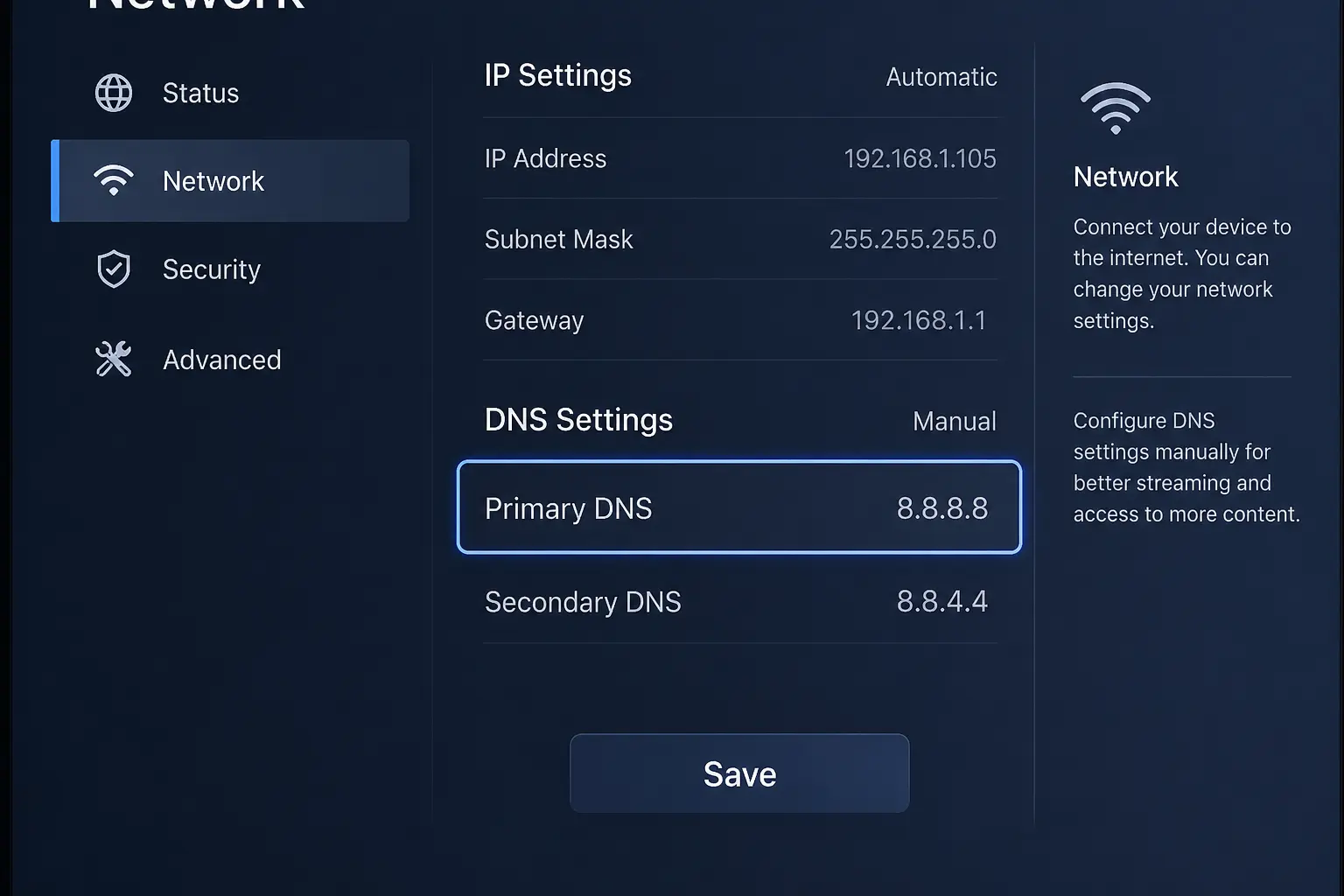
Because it’s set at the network level, you often only need to do this once per device.
Smart DNS: Quick Pros and Cons
Pros:
- Fast – no meaningful speed loss
- Works on devices VPNs often can’t reach (smart TVs, consoles)
- Simple one-time setup
- Great for streaming and sports specifically
Cons:
- No encryption or privacy protection
- Doesn’t hide your IP address from every site
- Some streaming platforms have gotten better at detecting and blocking it
- Less useful if your main concern is security, not access
So, Which One Should You Use?
If your goal is simply to unlock shows, movies, or sports from another region while keeping your streaming speed intact, Smart DNS is the more efficient tool for the job. If you’re also thinking about privacy, say, you’re on public Wi-Fi a lot, or you don’t want your provider tracking your browsing, a VPN is the better fit, even with the small speed trade-off.
Some services now offer both together, which gives you the flexibility to switch depending on what you’re doing that day: Smart DNS for a movie night, VPN for anything sensitive.
FAQ: What Is Smart DNS?
Q. Does Smart DNS work with every streaming service?
Not always. Some major platforms actively detect and block known Smart DNS servers, so results can vary and change over time as services update their detection methods.
Q. Will Smart DNS slow down my internet?
Barely, if at all. Since it only redirects a small lookup step and not your full traffic, most users notice no meaningful speed difference.
Q. Can I use Smart DNS and a VPN at the same time?
Generally not both active on the same connection for the same purpose, since VPNs already handle their own DNS routing. Most people switch between the two depending on the task.
Q. Is Smart DNS legal?
In most countries, yes, but bypassing a streaming platform’s regional restrictions may violate that platform’s terms of service, even if it’s not against the law.
Q. Does Smart DNS hide my IP address?
No. It only changes what location a streaming service’s DNS check sees. Your real IP address is still visible to the websites and apps you visit.

I'm a tech guy at heart, always exploring, always learning. From AI and modern tech to hands-on how-to guides, I write about the things I discover so you don't have to figure it out alone.