WhatsApp Username Feature Explained: Hide Your Phone Number
Let’s be honest: how many times have you hesitated to give your phone number to a new acquaintance, a delivery driver, or an online seller just to stay in touch on WhatsApp? Giving out your personal number feels like handing over the keys to your digital life.
But the days of sharing your private number just to send a quick text are coming to an end.
As a tech expert who tests messaging apps daily, I’ve been closely following WhatsApp’s biggest privacy upgrade in years: the WhatsApp Username Feature. If you use Instagram or Telegram, you already know how this works. WhatsApp is finally bringing the “@” handle system to its platform.
Here is everything you need to know about the WhatsApp username feature, why it’s a game-changer for your privacy, and how it works.
What is the WhatsApp Username Feature?
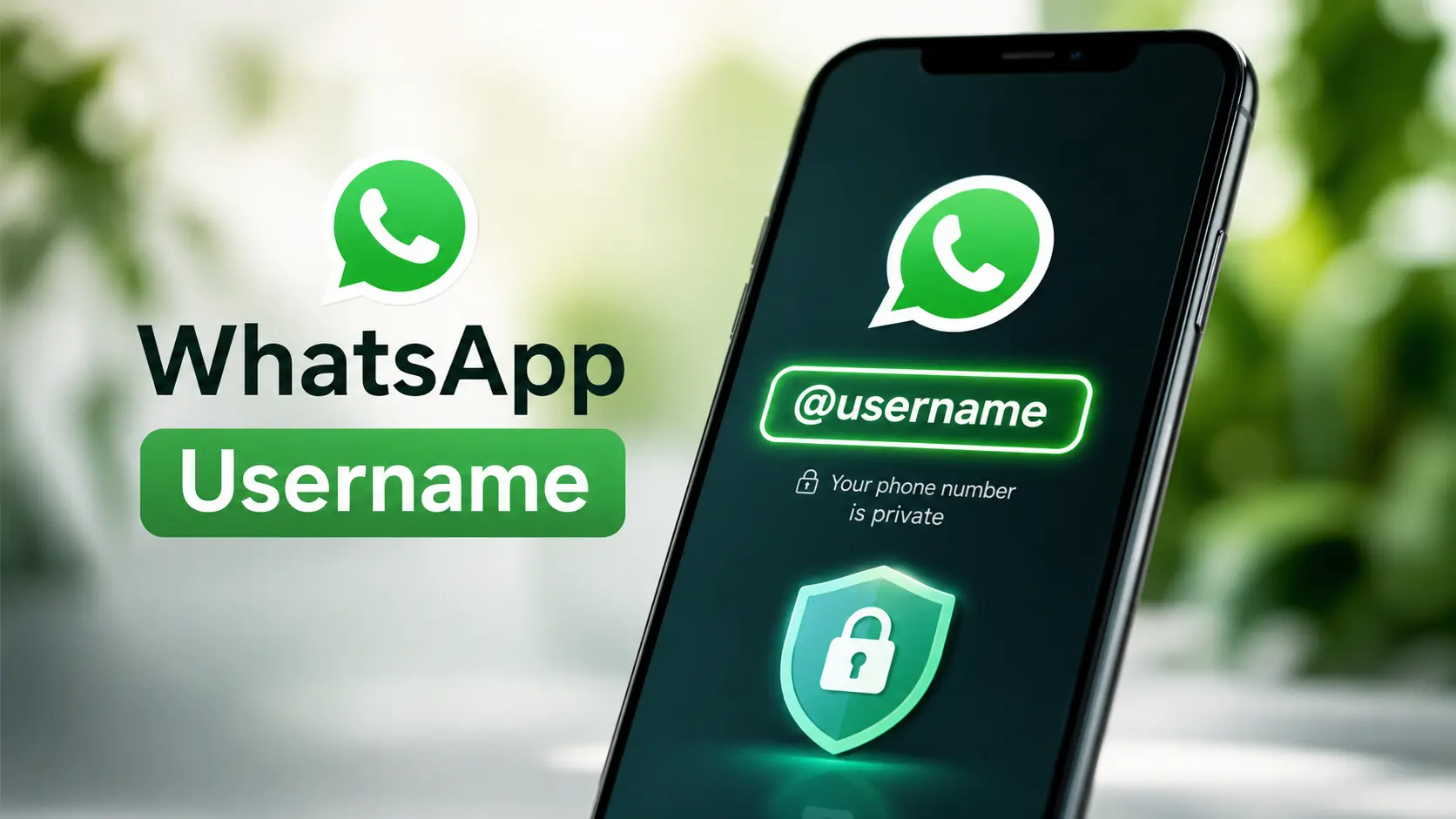
Simply put, the WhatsApp username feature allows you to create a unique, customizable handle (like @YourName123).
Instead of adding someone by typing in their 10-digit phone number, you can just share your username. Anyone can type that username into the WhatsApp search bar to find you and start a chat.
Think of it as your digital name tag. It connects your chats to your identity, not your phone number.
Why is This a Big Deal? (The Benefits)
You might be wondering, “Why do I need a username? My phone number works fine.”
While your number works, it comes with hidden risks. Here is why this update is a massive win for everyday users:
1. Ultimate Privacy
Your phone number is tied to your bank accounts, social media, and personal life. By using a username, you can chat with new people, join community groups, or talk to online sellers without ever revealing your actual number.
2. Less Spam and Scams
Scammers often scrape phone numbers from the internet to send spam messages or phishing links. When you use a username for public interactions, your phone number stays hidden, making it much harder for bots and scammers to target you.
3. Easy to Share
Memorizing or typing out a phone number is a hassle. Sharing a simple username like @AlexDesigns on your Instagram bio, business card, or email signature is clean, professional, and easy to remember.
How Will It Work?
WhatsApp is designing this feature to be as user-friendly as possible. Here is what you can expect when setting it up:
- Creating Your Handle: You will go to your WhatsApp Settings and tap on your profile. There, you’ll find a new option to create your username. You’ll type in your desired handle, and WhatsApp will check if it’s available.
- Privacy Controls: Not everyone wants to be found by everyone. WhatsApp is introducing privacy settings for usernames. You will be able to choose who can find you by your username: Everyone, My Contacts, or Nobody.
- Sharing: Once created, you can easily copy your username link or text it directly to friends.
Frequently Asked Questions (FAQ)
To make things crystal clear, here are the answers to the most common questions about the new feature:
Q. Do I still need a phone number to use WhatsApp? Yes. Your phone number is still required to create and verify your WhatsApp account. The username is just an extra layer on top of your existing account.
Q. Will people see my phone number if they message my username? This depends on your privacy settings. WhatsApp is expected to let you hide your phone number from people who aren’t in your contacts list. If a stranger messages your username, they will only see your profile name and picture, not your number.
Q. Can I change my username later? Yes, but likely with some limits. To prevent spam and impersonation, WhatsApp will probably restrict how often you can change your handle (for example, only once every few months).
Q. Is this feature free? Absolutely. It is a standard privacy update and will be completely free for all users.
When is it Rolling Out?
WhatsApp has been testing this feature in beta versions for a while now. As of mid-2026, it is in the final stages of its global rollout. If you don’t see it on your app yet, make sure your WhatsApp is updated to the latest version via the App Store or Google Play Store. It should appear on your screen very soon!
The Final Verdict
The WhatsApp Username feature is exactly what the app needed. For over a decade, we’ve been forced to use our personal phone numbers as our primary IDs. This update shifts the power back to the user, giving us control over who gets our private digits and who just gets our handle.
It’s secure, it’s private, and it makes connecting with people online so much easier.
Pro Tip: Once the feature hits your phone, grab your ideal username early! Just like on other social platforms, the best and simplest handles will get snapped up quickly.
Stay safe, keep your number private, and happy chatting!

TS Desk
TS Desk is an editorial identity representing the content team at TechSpyglass.com. It focuses on publishing clear, practical articles about technology, gadgets, and global tech news, helping readers stay informed without unnecessary complexity. The content is carefully researched and written to make modern tech topics easy to understand for everyday users, covering everything from digital tools and online trends to the latest updates in the tech world